Map a room with a robot car and a chat API
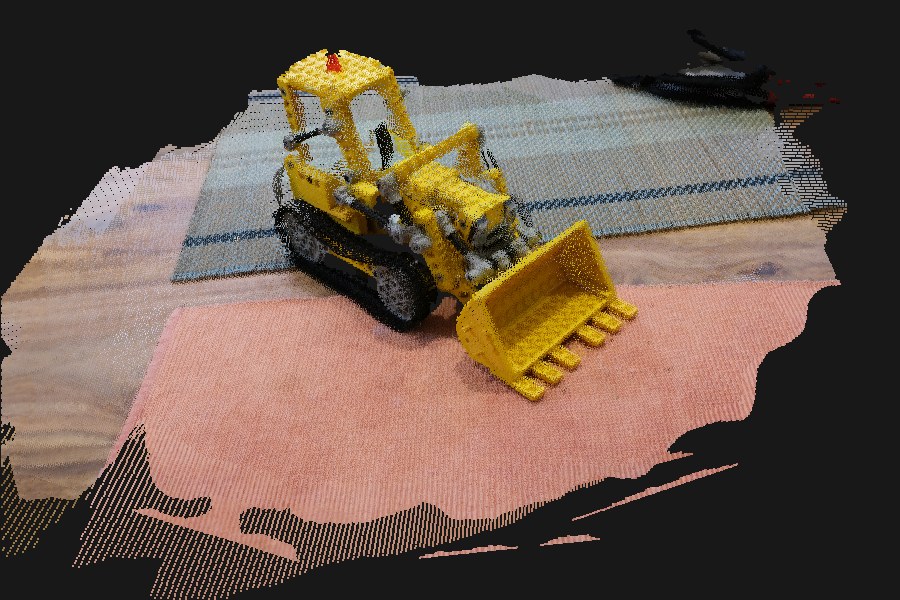
Turns photos into a 3D model and a "where to go next" map with VGGT-Ω. It hides behind an OpenAI-compatible endpoint, so it runs next to your vLLM models behind the same router, key and URL.
The idea
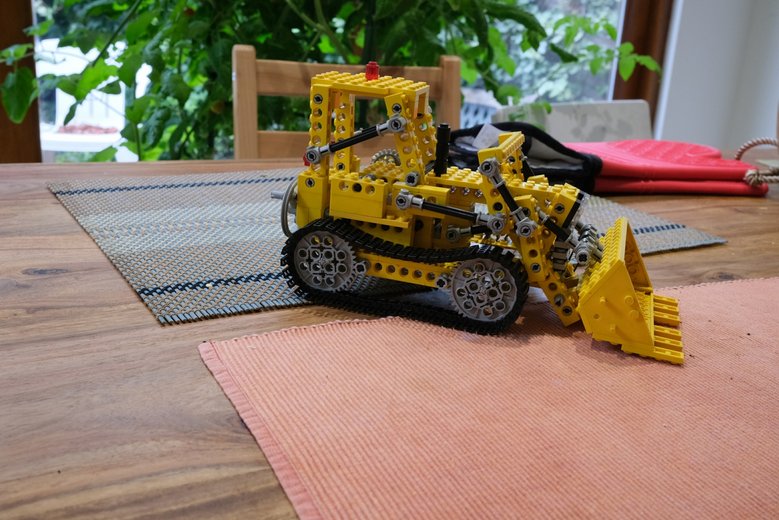
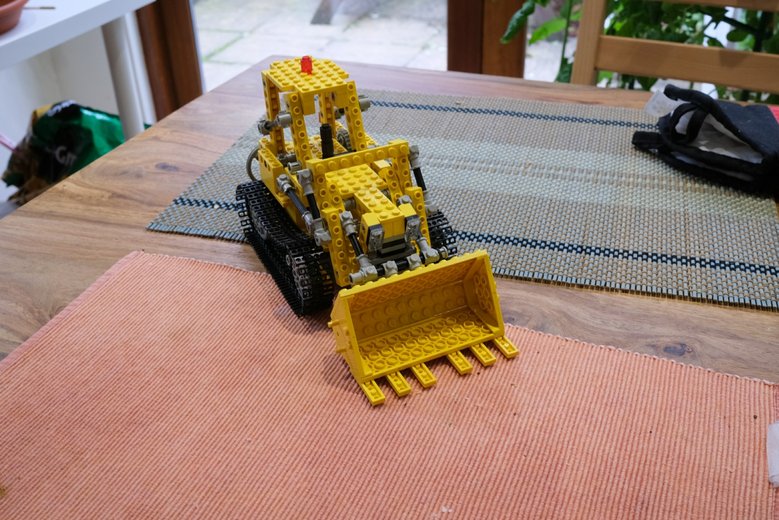
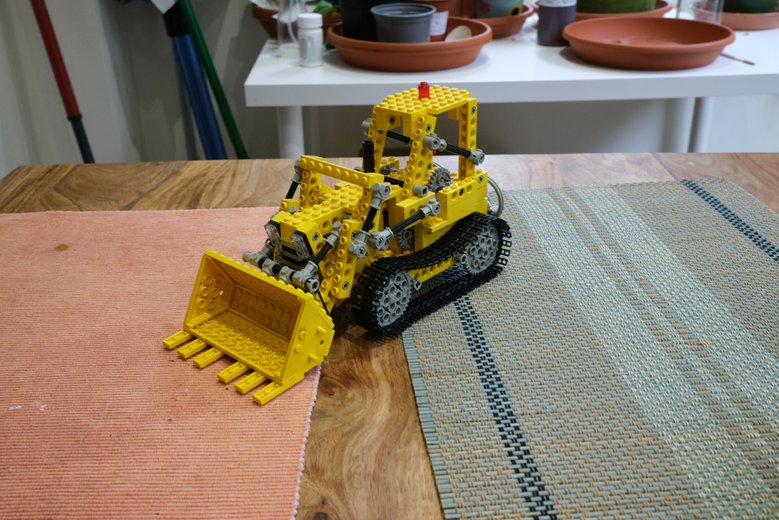
A LEGO®-compatible car driven by brickremote gets a small camera. It has no wheel sensors and no map, but it can stop and take a photo. A GPU far away works out the rest:
- Stop and look. The car takes a few photos, turning a little between them.
- Send
step. The mapper places every photo in 3D and finds the floor, walls and unexplored edges. - Decide. A vision-language model sees the photo and the top-down map, and picks a move.
- Drive and repeat. When nothing is left to explore,
finishbuilds the whole room.
API
It is a normal chat completion. The photos are image_url parts (base64 data URLs),
the text is a command, and the reply's content is JSON.
| Command | What it does |
|---|---|
step session=hall camera_height_cm=9 | Adds the photos and answers with pose, frontiers, nearest obstacle ahead and a top-down map |
finish session=hall | Rebuilds from all photos (up to 96) and keeps a coloured point cloud (PLY) |
download session=hall part=0 | The PLY in 3 MB base64 pieces, small enough for any router |
status session=hall | Photos and files of a session |
queue | How busy the GPU is and how many other people are mapping |
A step answer:
{"session": "hall", "frames": 12,
 "pose": {"x_cm": 44.0, "z_cm": 35.0, "heading_deg": 77.4},
 "frontiers": [{"angle": 20.9, "dist_cm": 45.2, "size_cells": 12}],
 "obstacle_ahead_cm": 29.5, "explored_done": false,
 "map_png": "iVBORw0KGgo…"}
Units: angles are relative to where the camera looks now, and positive means left. Positions are in centimetres from the first photo.
The map: map_png shows the floor in white, obstacles in black,
unknown parts in grey, frontiers in orange, and the path in blue.
Sharing the GPU: requests are served one at a time, first come first served.
Every answer has a queue part that says how long you waited, how many requests were
ahead of you, and how many other people mapped something in the last 10 minutes. It shows only
counts, never their session names.
From Python, with the official client:
from openai import OpenAI
import base64

client = OpenAI(base_url="https://api.blablador.fz-juelich.de/v1", api_key="…")
photo = base64.b64encode(open("look.jpg", "rb").read()).decode()
reply = client.chat.completions.create(
    model="alias-visual-geometry",
    messages=[{"role": "user", "content": [
        {"type": "text", "text": "step session=hall camera_height_cm=9"},
        {"type": "image_url", "image_url": {"url": f"data:image/jpeg;base64,{photo}"}},
    ]}],
)
print(reply.choices[0].message.content)
Send photos from your phone
The repository has a small web page for phones, so you can map a room without a robot car. It runs on your computer and talks to the router for you:
cp .env.example .env    # router URL, API key and model name
./run.sh serve # prints the address to open on the phone- Name and height. Give the room a name and say how high the camera is: about 120 cm in your hand.
- Add photos. Take them or pick them from the gallery. Walk around and keep the floor in view.
- Send. Photos are shrunk to 1024 px and sent 4 at a time. The top-down map updates after each batch.
- Build. The 3D model opens in a viewer you can turn with a finger, and downloads as PLY.
Other people: a banner at the top says whether others are mapping or the GPU is busy, and the page tells you how long your photos waited.
The API key: it stays in .env on the computer and never reaches the
phone. But anyone on your network who can open the page can use it, so stop the server when you're done.
If the page doesn't open: open the address listed for your Wi-Fi, not the one for a VPN. On macOS, the firewall may also need to allow Python.
How the map is made
VGGT-Ω places all photos in one 3D frame, but it doesn't know how big anything is.
- Scale. The camera sits at a known height on the car, so the mapper finds the floor, the densest flat layer below the cameras, and that height turns VGGT-Ω units into centimetres.
- Grid. Points on the floor are free space. Points between 4 cm and a little above the camera are obstacles. Everything else is unknown.
- Frontiers. Free cells at the edge of the unknown are grouped by direction.
Camera angle: tilt the camera slightly down. Without a visible floor there is no scale.
Speed: on an RTX 3090, through the public router, a step takes 1–2 seconds, and a final model from 37 phone photos takes under 20 seconds, upload included. VGGT-Ω needs about 13 GB of GPU memory for 100 photos.
Why VGGT-Ω: it replaced VGGT-1B in November 2026. On the same 37 photos of a room it kept walls and shelves straighter, and in its authors' benchmarks it roughly triples camera accuracy on indoor scenes (7 Scenes, AUC@3° 10.9 → 29.6).
Run it
git clone https://github.com/surak/depth-map-through-vllm-router
cd depth-map-through-vllm-router
uv venv -p 3.12 .venv
uv pip install -p .venv/bin/python torch==2.7.1 torchvision==0.22.1 \
    --index-url https://download.pytorch.org/whl/cu126
uv pip install -p .venv/bin/python -e '.[model,test]'
hf download facebook/VGGT-Omega vggt_omega_1b_512.pt --local-dir models/VGGT-Omega   # gated: ask for access first
VLLM_API_KEY=secret .venv/bin/python -m mapper.server --model models/VGGT-Omega/vggt_omega_1b_512.pt --port 8030
It answers /health, /v1/models, /metrics and
/v1/chat/completions, with or without streaming. That's enough for routers that
expect a vLLM backend. The repository includes a Slurm launcher that registers it with a synapse router.